Bring Your Own LLM (BYO-LLM) POC SPA Apps
Structured Large Language Modal prompts, structured outputs, low-risk AI experiments, Single Page Apps
What is a “Bring Your Own LLM” POC?
- Front end provides tools, structure, and prompts – but never calls an LLM directly.
- Users paste prompts into their own LLM of choice (ChatGPT, Copilot, Gemini, local models).
- Outputs come back as structured JSON or CSV – ready for apps, automations, and future APIs.
- Reduces security, procurement, and vendor lock-in concerns while still delivering value.
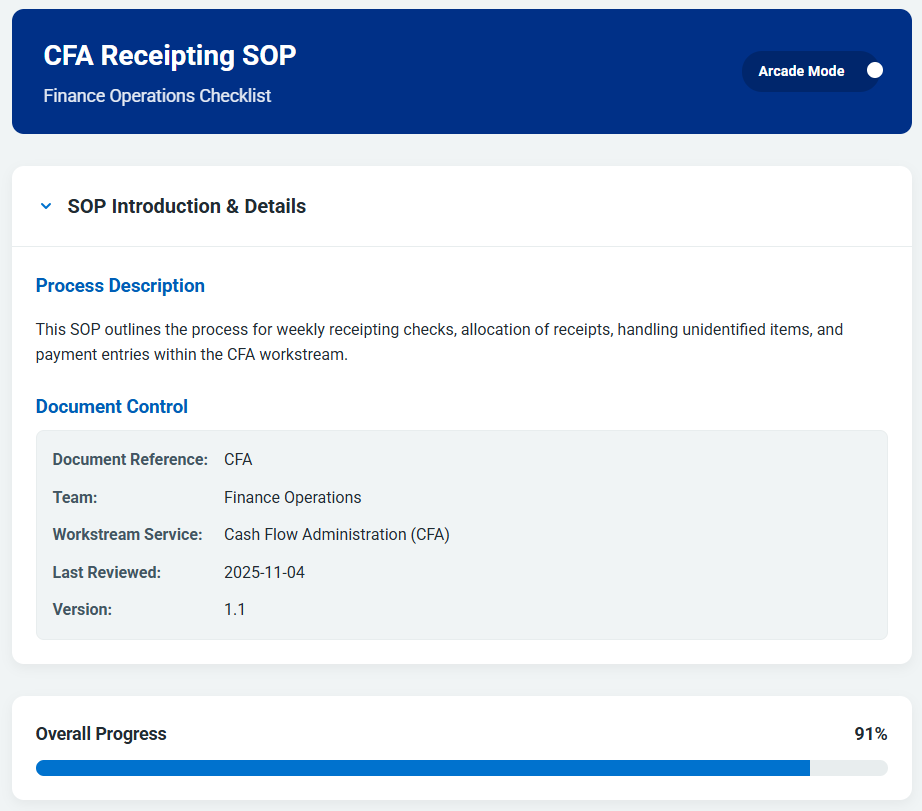
Checklist Creator – Live Example
Standalone HTML checklist builder that demonstrates the BYO-LLM pattern end to end.
Explore inside the slide, or open it in a full browser tab. The prompt is generated here; the LLM is entirely your choice.
Checklist Creator – Visual Walkthrough
Click any thumbnail to open the lightbox. Use the arrow keys or on-screen arrows to cycle.
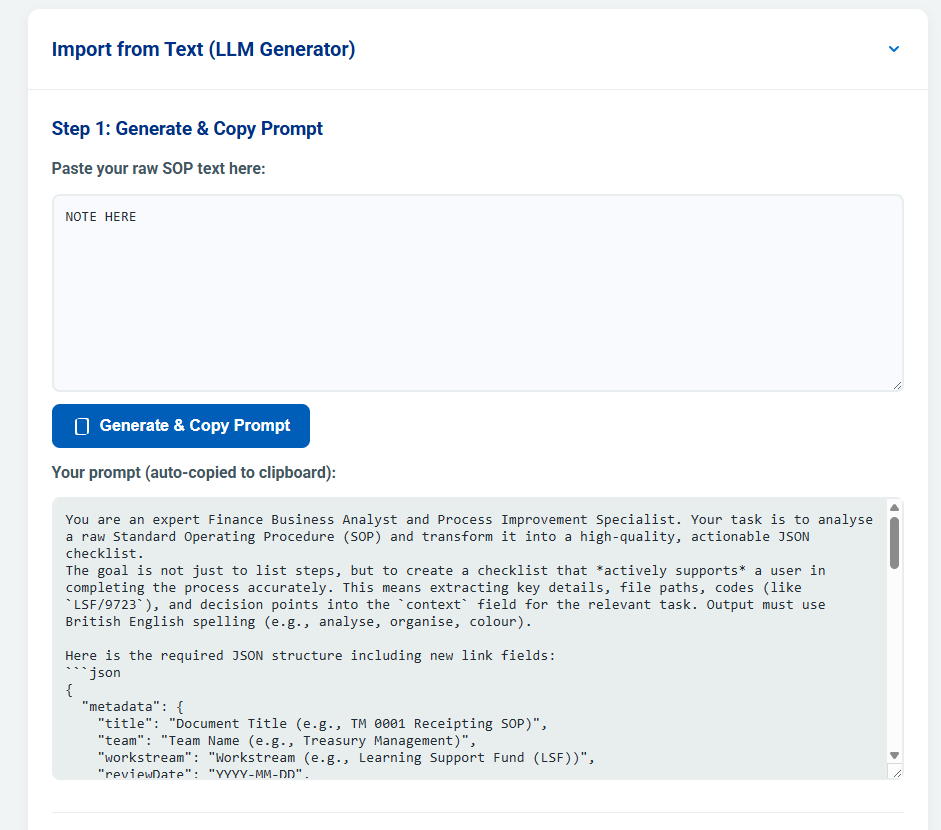
1. Design • 2. Generated checklist • 3. Prompt builder • 4. JSON pasted back into the tool.
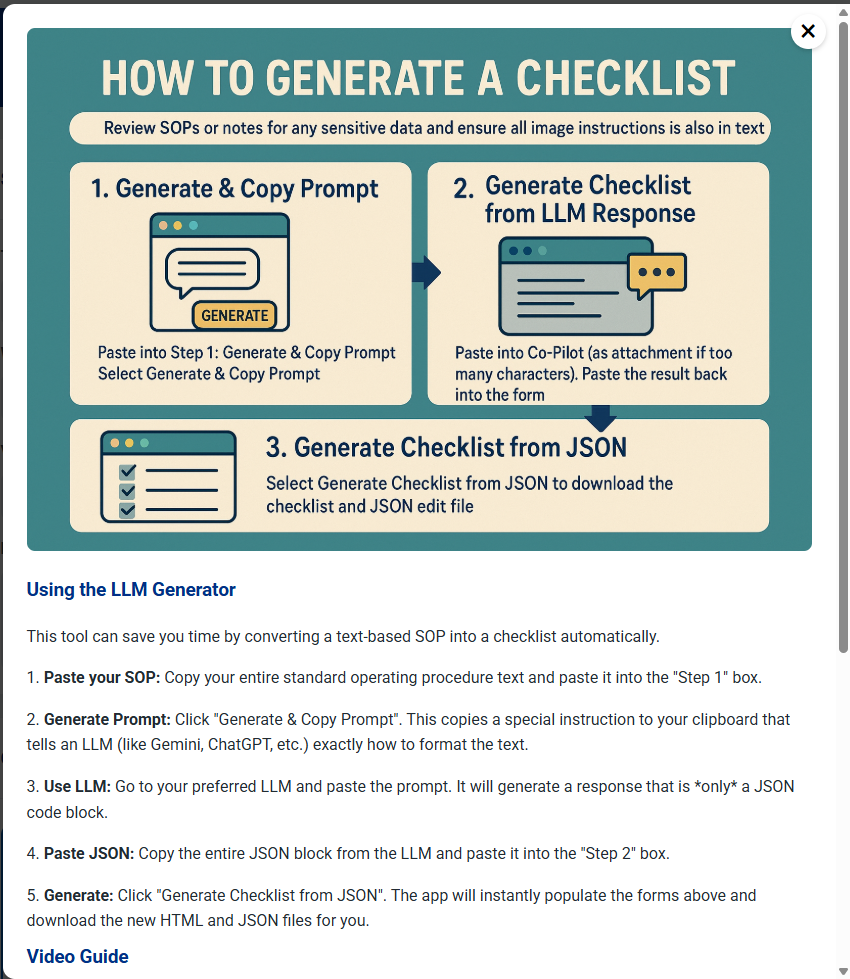
End-to-End Flow: One SOP → Working Checklist
Paste SOP Text
Drop in unstructured SOP content or a description (e.g. “Generate a checklist for inspecting a Tesla car”).
Generate a RISEN Prompt
The tool builds a one-shot prompt with Role, Instruct, Steps, Example, and Narrowing (constraints), targeted at JSON output.
Run in Your LLM
The user pastes the prompt into their preferred LLM (ChatGPT, Copilot, Gemini, local) and gets back structured JSON.
Paste JSON Back
The JSON is pasted into the tool, which renders a live checklist UI and can export files for reuse and automation.
Benefits of the BYO-LLM Modal Approach
Low Risk
No LLM keys or credentials in the POC. Users bring their own accounts and tools, which keeps security and procurement simple.
Vendor Neutral
Works with any LLM – cloud, on-prem, or future models. The contract is the JSON schema, not the provider.
Reusable Assets
RISEN prompts, JSON examples, and saved files can be shared, versioned, and reused across teams and applications.
Path to Production
Once the JSON shape is trusted, you can swap copy-paste for server-side LLM calls (Genkit, Power Automate, n8n) without redesigning the front end.
Application – From Checklists POC to Process App
Building on the BYO-LLM checklist generator, the next step was a full application that could turn structured SOP outputs into SIPOCs, process analysis tools, and chained process views.
Open the Application- SIPOC generation from SOPs / checklists (Suppliers, Inputs, Process, Outputs, Customers).
- Process analysis views for understanding ownership, hand-offs, and bottlenecks.
- Process chaining – linking related checklists and SIPOCs into end-to-end journeys.
- Built fully from the existing structured JSON — no rework needed.
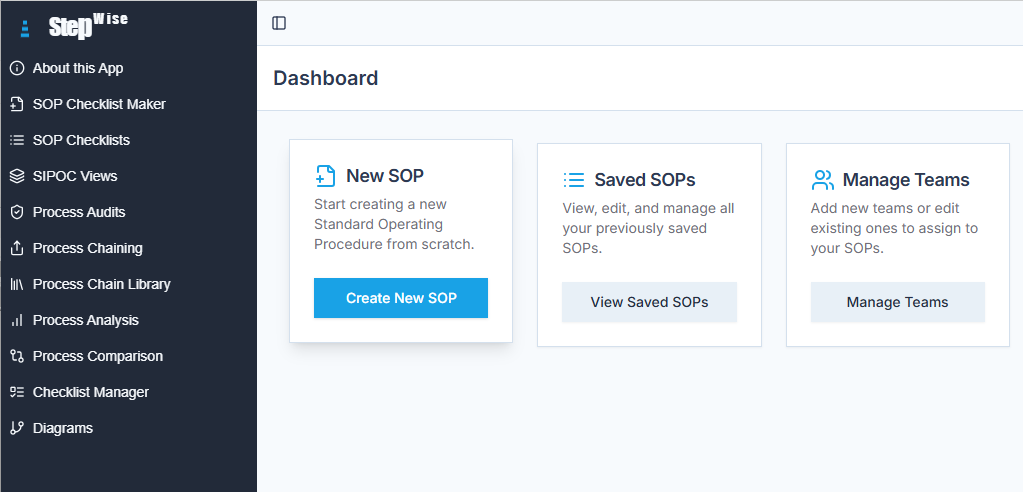
Application Front Page
Entry point into checklists, SIPOCs, and analysis tools — all powered by structured outputs.
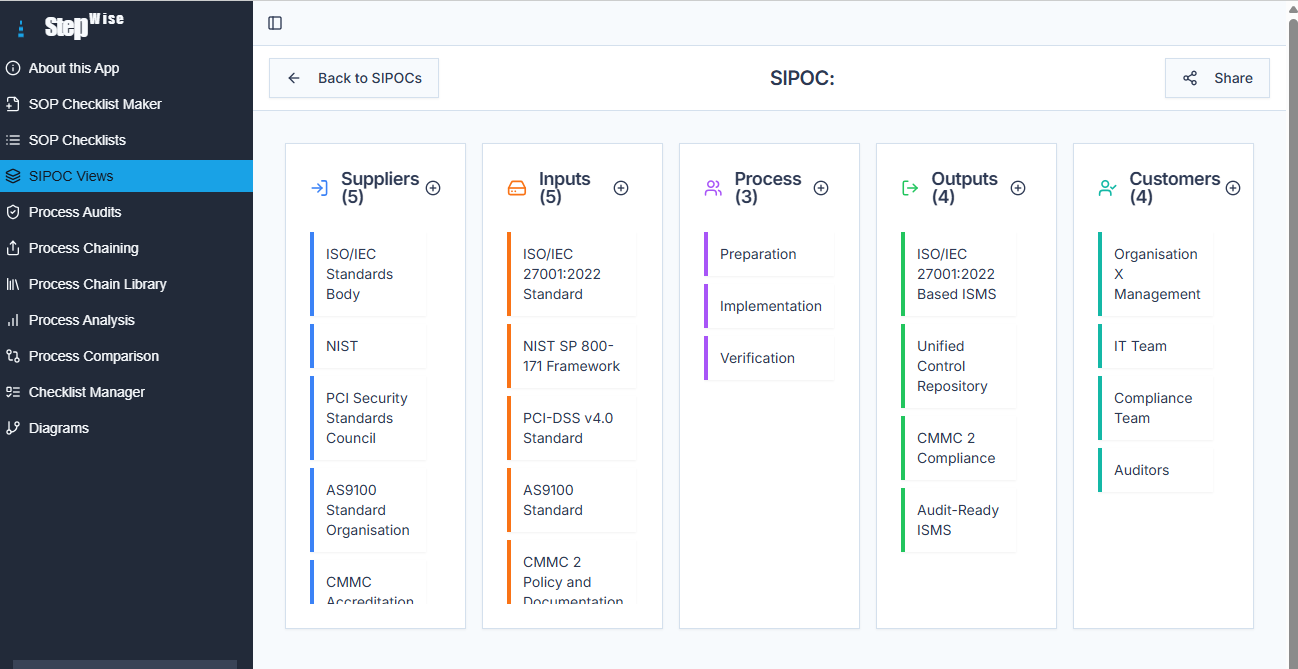
SIPOC from SOP / Checklist
The same structured SOP data automatically generates SIPOCs for higher-level visibility.
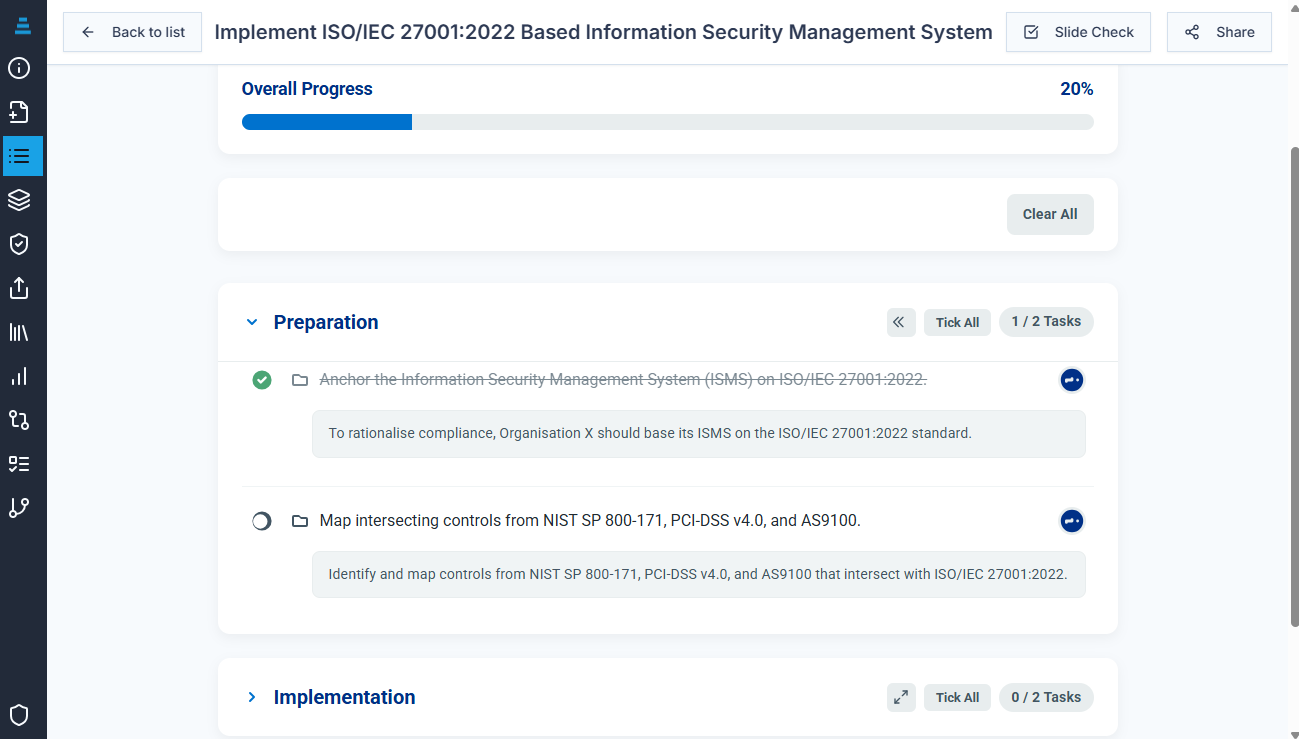
Process Checklist View
Enhanced checklist execution with evidence capture, progress tracking, and chainable processes.
From Prototypes to Apps – Firebase & AI Designer
Once the structured prompt + JSON pattern is stable, it can be wrapped in a full application: a modern front end, Firebase for data and auth, and an AI-assisted “designer” experience on top.
- Firebase (or similar backend) to store checklists, SIPOCs, and process maps as reusable records.
- AI designer front end to guide users through creating and editing structured content.
- Same JSON contracts Genkit used for LLM workflows and reporting.
This example shows how the same ideas used in a standalone HTML POC can be evolved into a hosted application, with persistent data, user accounts, and richer AI-assisted design flows.
Claude CLI – Customer Journeys & Personas
Using structured content to generate customer journeys, personas, and journey comparisons via Claude CLI + Genkit.
Open Customer Journey ApplicationFrom Checklists to Journeys
- Import structured JSON from SOPs / checklists.
- Generate persona-aware journey maps.
- Run as-is / to-be comparisons.
- Export journeys & feed them back into Claude or Genkit.
Claude CLI Example
claude --model claude-3-5-sonnet \
--input sop_checklist.json \
--prompt-file journey_prompt.txt \
> journeys_enriched.json
Application Front Page
Clean interface for journeys, personas, and structured imports/exports.
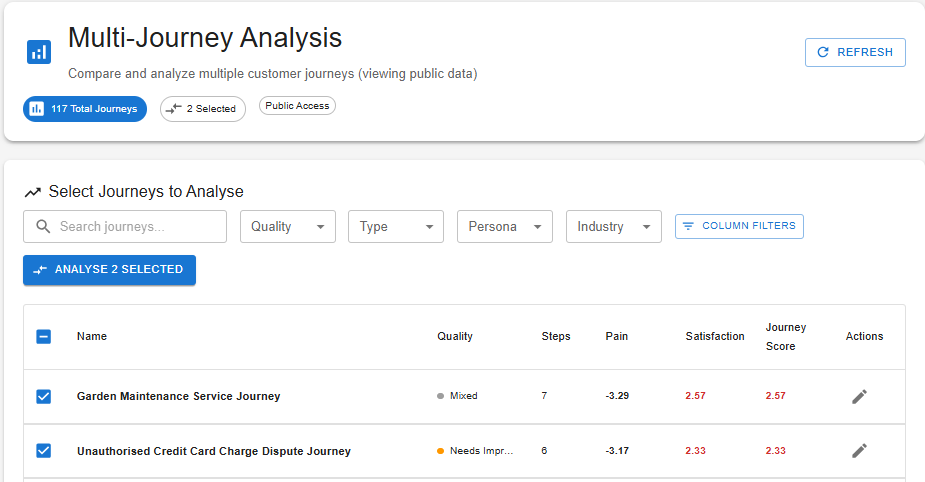
Journey Comparisons
Compare as-is vs to-be journeys or different persona views.
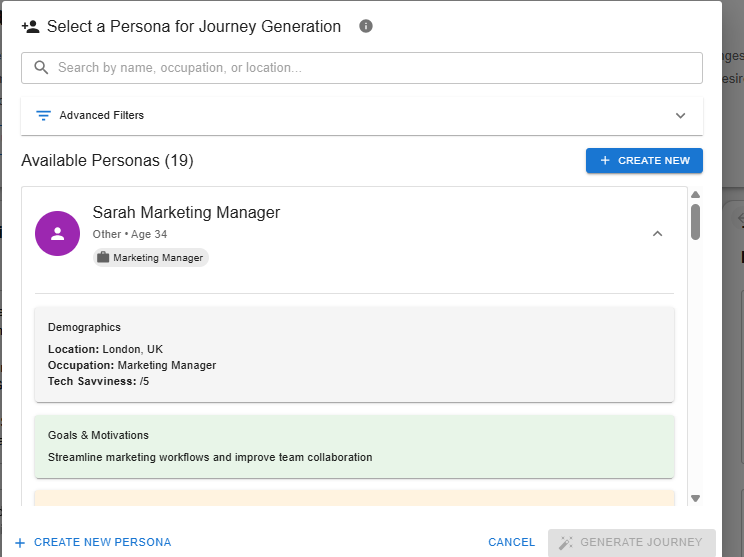
Persona Management
Manage personas, import/export JSON, and rerun journeys via Claude or Genkit.
Try These LLM Prompts
Open your preferred LLM in another tab, then use the copy buttons to paste a complete prompt and generate a standalone HTML tool.
LLMs to Try
These prompts are designed to be model-agnostic and work in a “Bring Your Own LLM” setup.
Bootstrap JSON Flashcard Builder
Generates a standalone Bootstrap HTML page that imports/exports JSON flashcards, supports scoring, multiple choice, filters, and ratings.
Creates a HTML + JS flashcard trainer using JSON as the storage format (import/export via a text area).
Local “Scratch Pad” Task List
Asks the LLM to build a simple local HTML task list that stores updates in a temporary scratch pad (browser only, no backend).
Creates a local-only task list HTML page, ideal for quick personal scratch-pad usage.
From Examples to New Ideas & Better Work
Once you have one working pattern – like the checklist generator or journey app – you can pivot, remix, and extend it into new tools that make jobs easier, richer, and more consistent.
Start from a Working Example
Treat each POC (checklist creator, SIPOC builder, journey mapper) as a template:
- Swap the JSON shape to track risks, controls, or training modules.
- Reuse the same RISEN prompt, but change the domain (e.g. payroll, fraud, customer care).
- Keep the “Bring Your Own LLM” approach until the pattern is stable.
Remix to Generate New Value
Once the pattern works, ask “what else could use this?”:
- Turn SOP checklists into training flashcards or quizzes for new starters.
- Use SIPOCs to design handover packs between teams or services.
- Hook JSON outputs into Power Automate / n8n for reminders, approvals, and logging.
AI as the Integration Layer
Use AI to build the small tools that sit in the gaps:
- Generate JSON config files from human-readable policies.
- Create test data, example scenarios, and acceptance criteria from real processes.
- Wrap everything in small HTML tools so non-technical colleagues can use them safely.
Inspiration & Integration Ideas
The goal is not just “one good demo” – it’s a library of patterns you can reuse, pivot, and combine to improve real work.
Prompt Cheatsheets & Inspiration
Explore adaptable prompt examples — each a standalone page you can open, study, remix, and reuse.
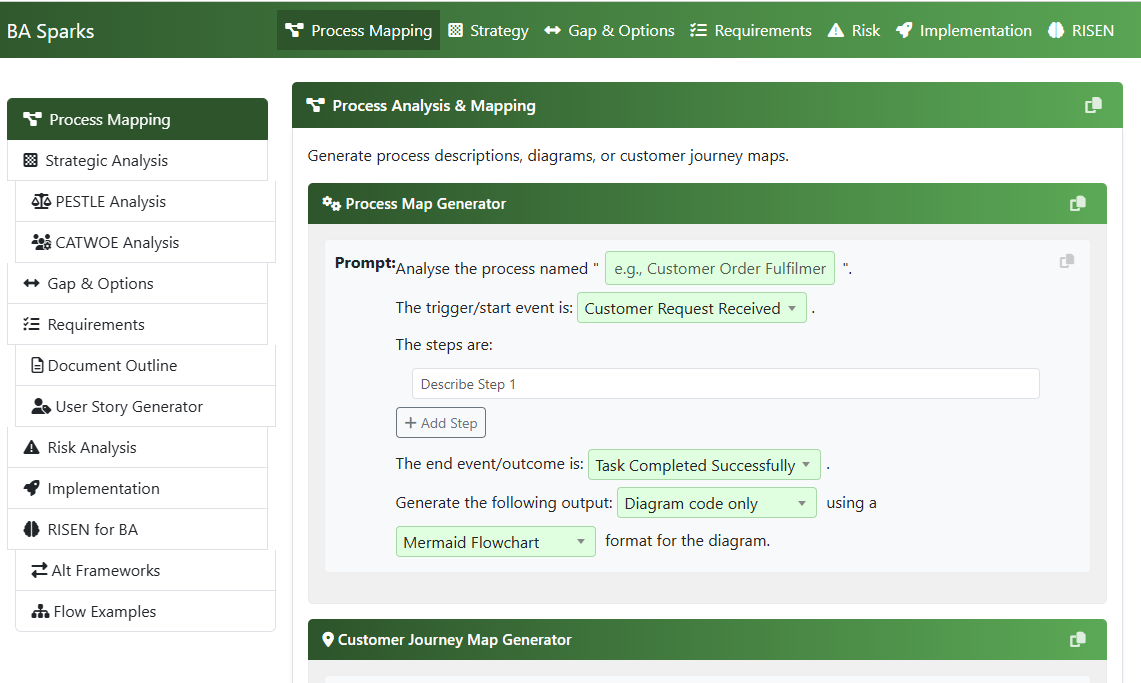
BA Prompt Sparks
Structured prompts for SIPOCs, process mapping, analysis and requirements.
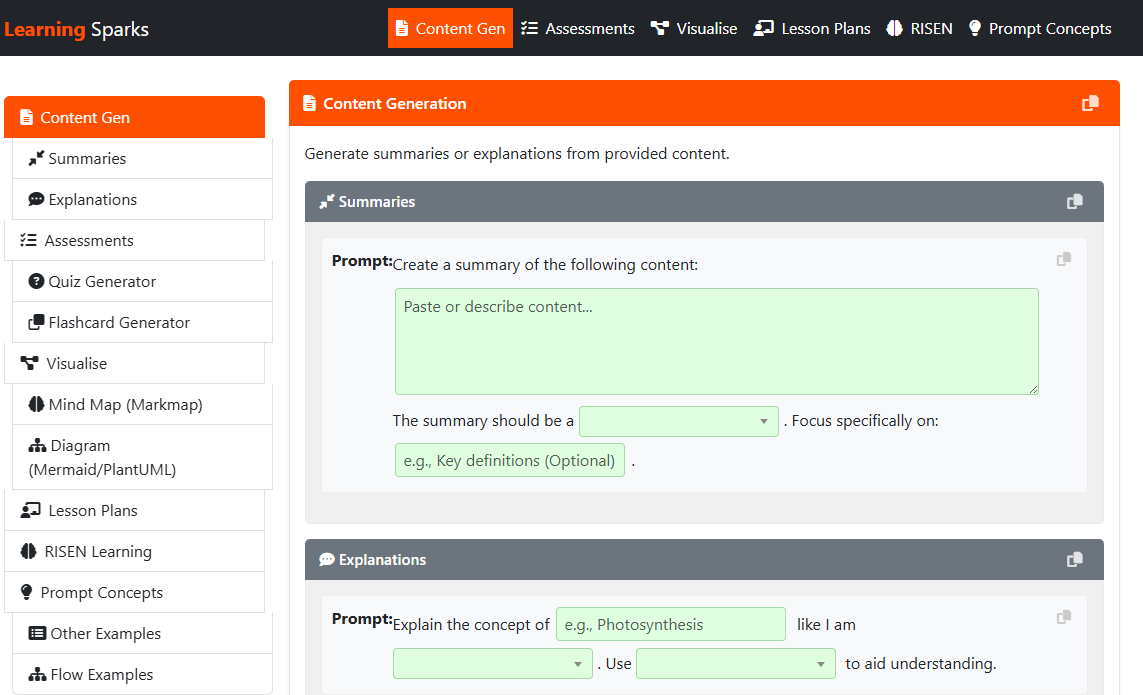
Learning Prompt Sparks
Turn SOPs and documents into tutorials, quizzes, learning flows and exercises.
Email Prompt Cheatsheet
Template prompts for drafting, rewriting and enhancing emails in seconds.
Creative Prompt Cheatsheet
Visual + creative sparks for artwork, concept design and campaign ideas.
Pet Action-Figure Prompt
A fun structured prompt example — perfect for creative AI projects.
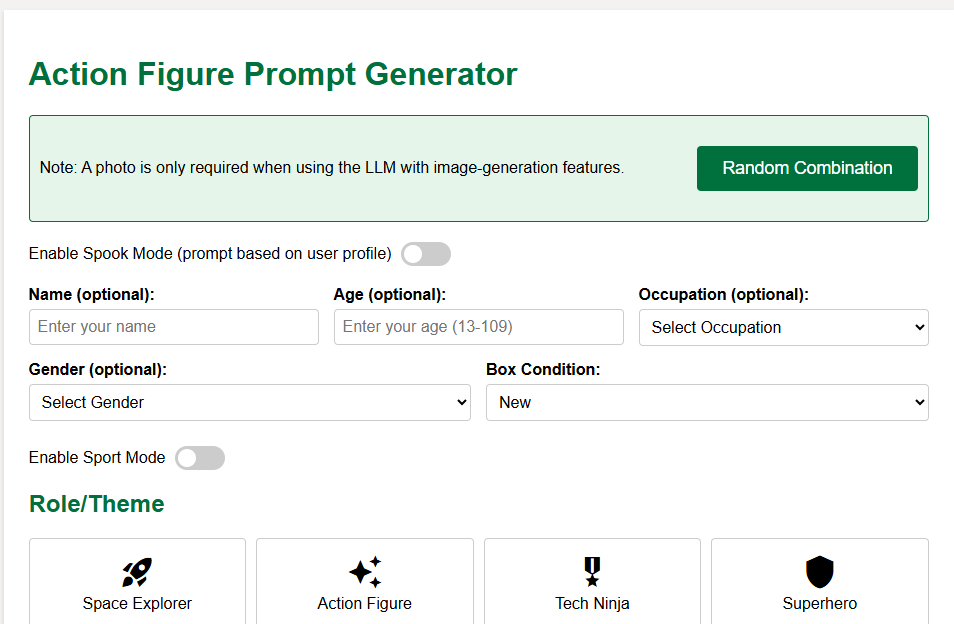
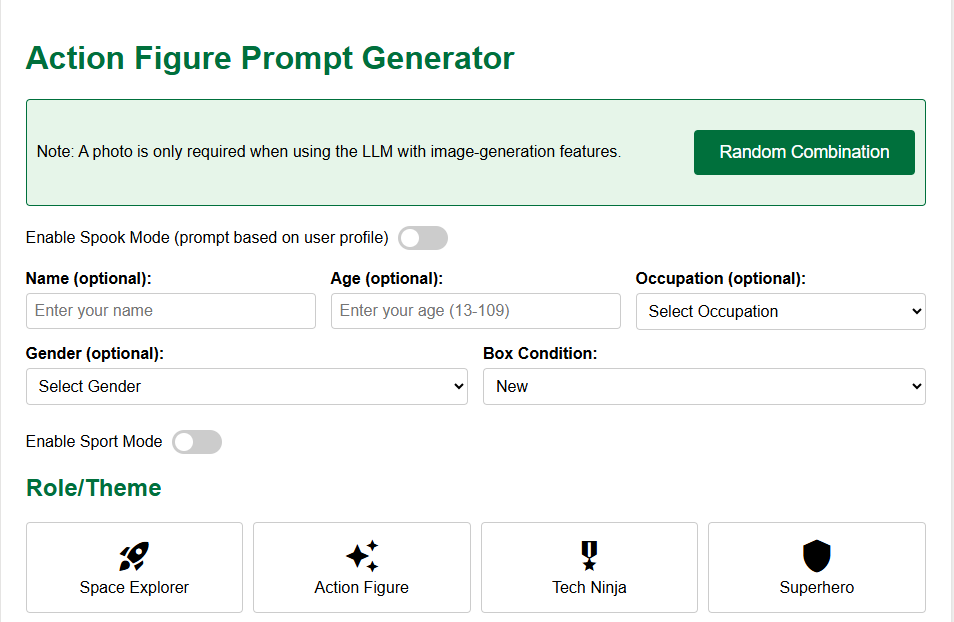
Action-Figure Prompt
Shows structured prompt control over style, pose, lighting & accessories.
All tiles open in a new window — easy to explore, copy and adapt.
Rapid How-To Guide Creation with AI Voice & Video
Build polished “How-To” guides in minutes by combining AI-generated narration and simple video editing tools. Perfect for onboarding, training walkthroughs, demos, and process guidance.
- Eleven Labs — create natural-sounding AI voiceovers (free tier available).
- Clipchamp — free Windows 11 video editor for assembling guides.
- Script → AI Voice → Screen Recording → Edit → Export — all in under 10 minutes.
Complete RISEN One-Shot Demo Prompts
Copy any of these into an LLM, JSBin, or save them as a .html file to generate structured JSON
for dynamic tables, diagrams, charts, PDFs, JD3 views, audit checklists and game engines.
Audit Checklist (C.A.R.T.)
Generate a structured audit checklist from any SOP JSON.
Mermaid Diagram (Flow / Sequence)
Outputs Mermaid for instant rendering.
DataTable JSON (Search/Sort/Filter)
Paste JSON into your table POC to generate searchable tables.
Plotly Chart JSON
Use in your chart POC with Plotly.js CDN.
PDF Layout JSON (jsPDF)
Feed directly into your jsPDF POC.
JD3 Diagram JSON
Generates diagrams in your JD3 renderer.
Training Game / Flashcard Logic JSON
Your HTML game engine can load this JSON and run immediately.